
SHAREit
SHAREit is a free Windows app from the SHAREit Team for moving photos, videos and documents between a PC and a phone. The current version is 5.1.0.7.
22.7 MB

Stacher is a free Windows app that puts a friendly interface on top of the yt-dlp command-line downloader for saving online videos and audio.
Average 0.0 · ratings: 0
Thank you! Your rating is saved; you can change it. Could not save the rating. Please try again later. Too many ratings from your network today. Please try again tomorrow. The average appears after 5 ratings.
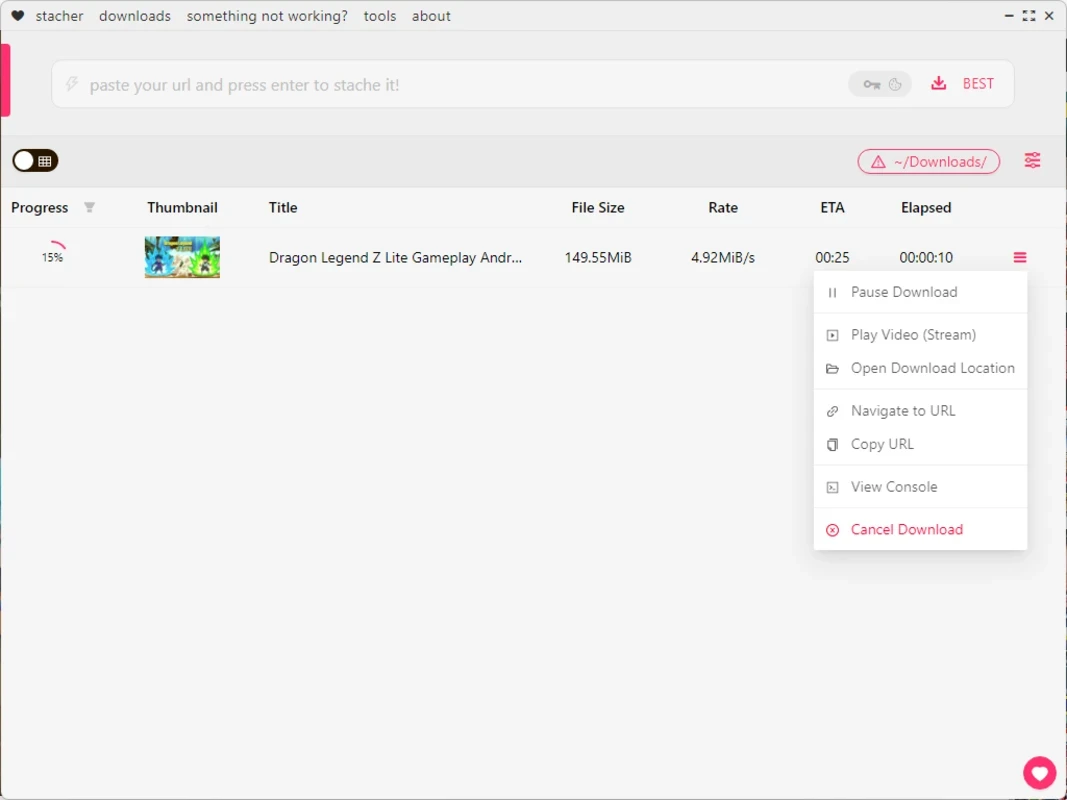
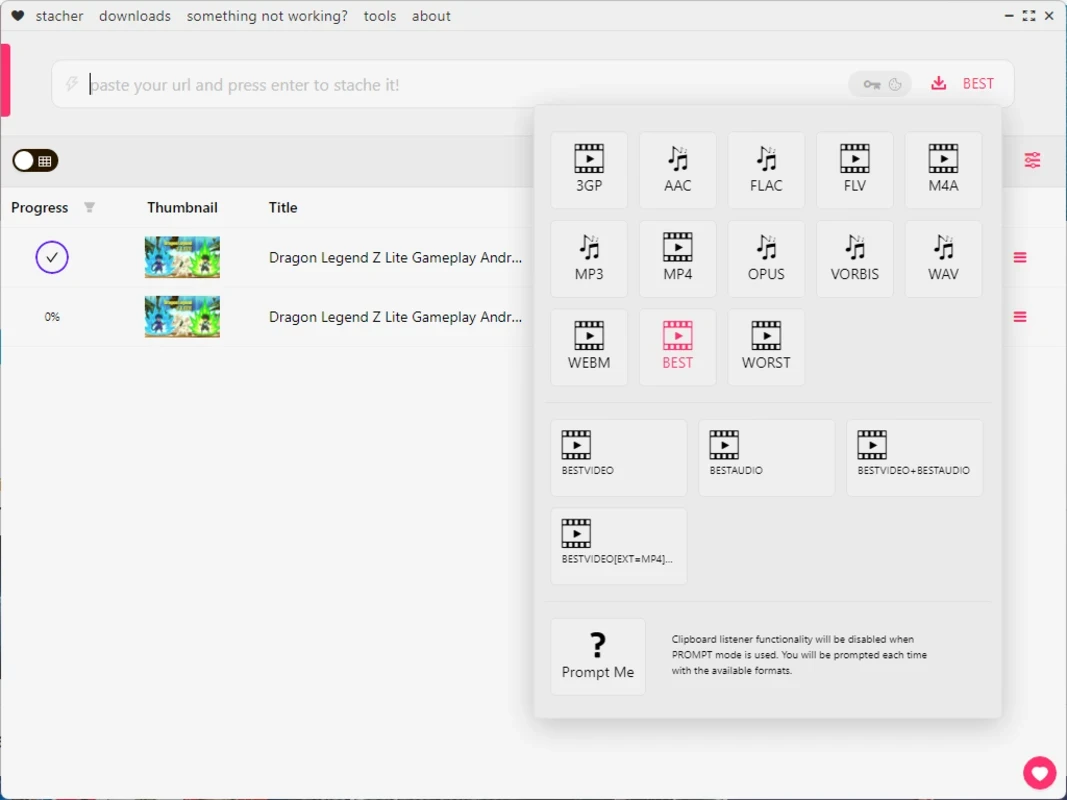
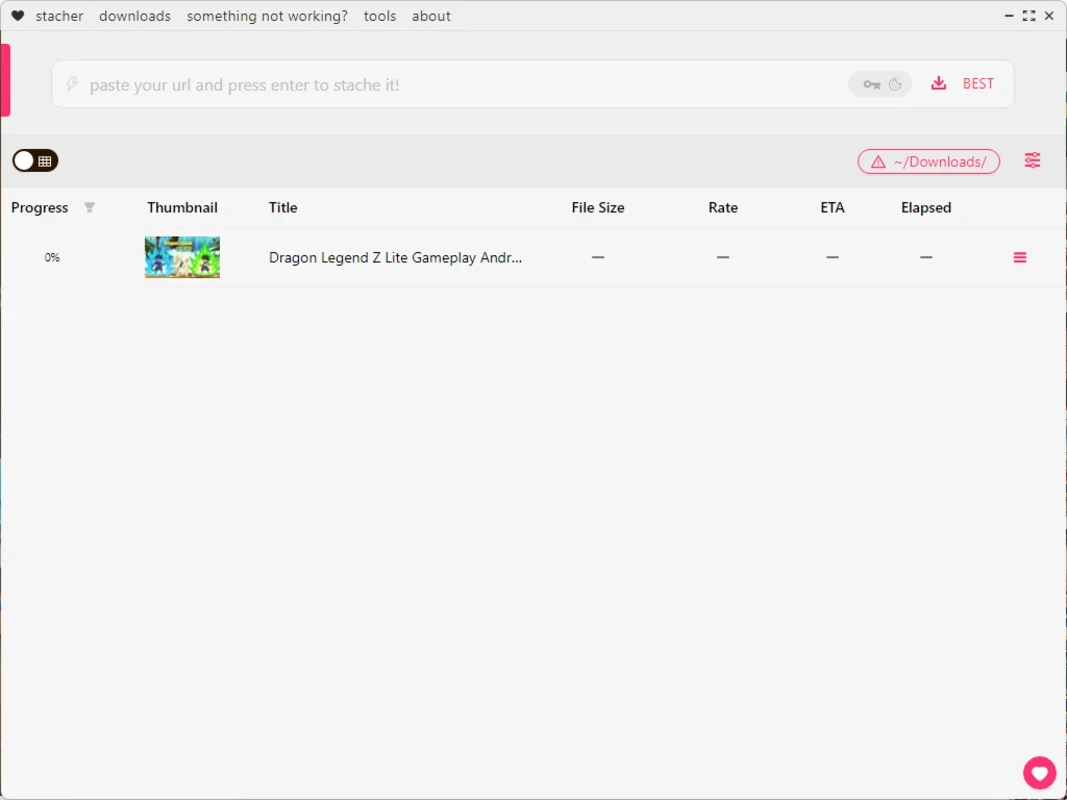
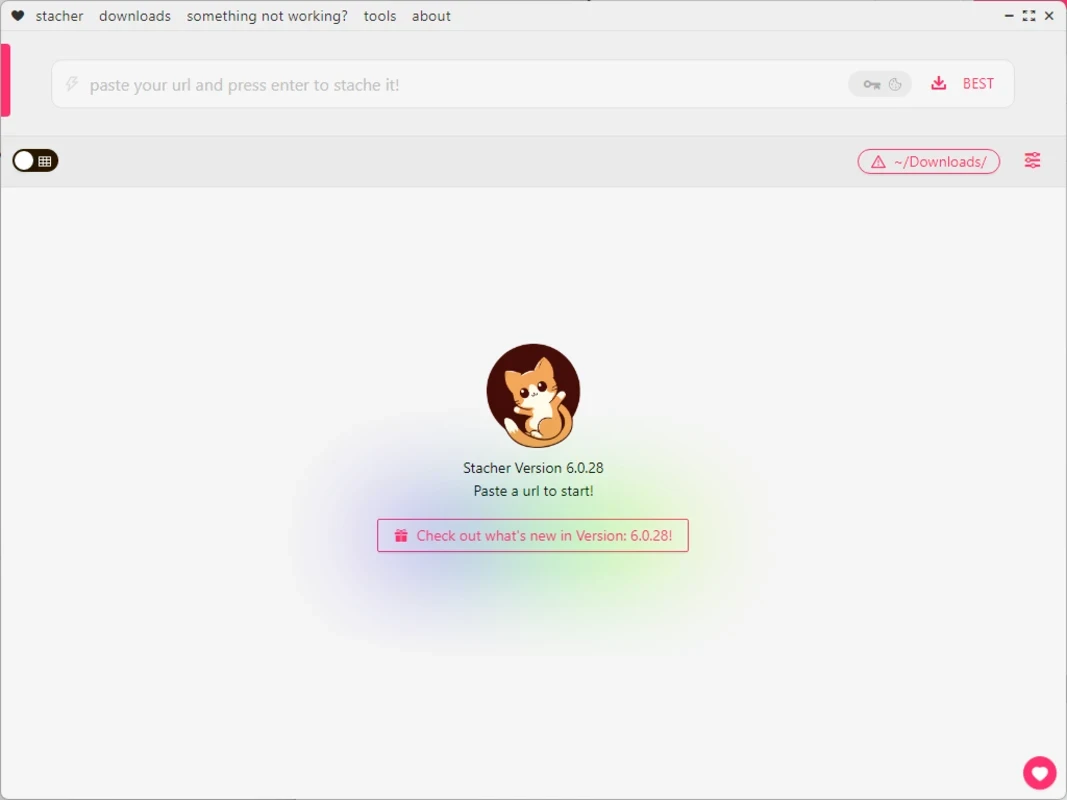
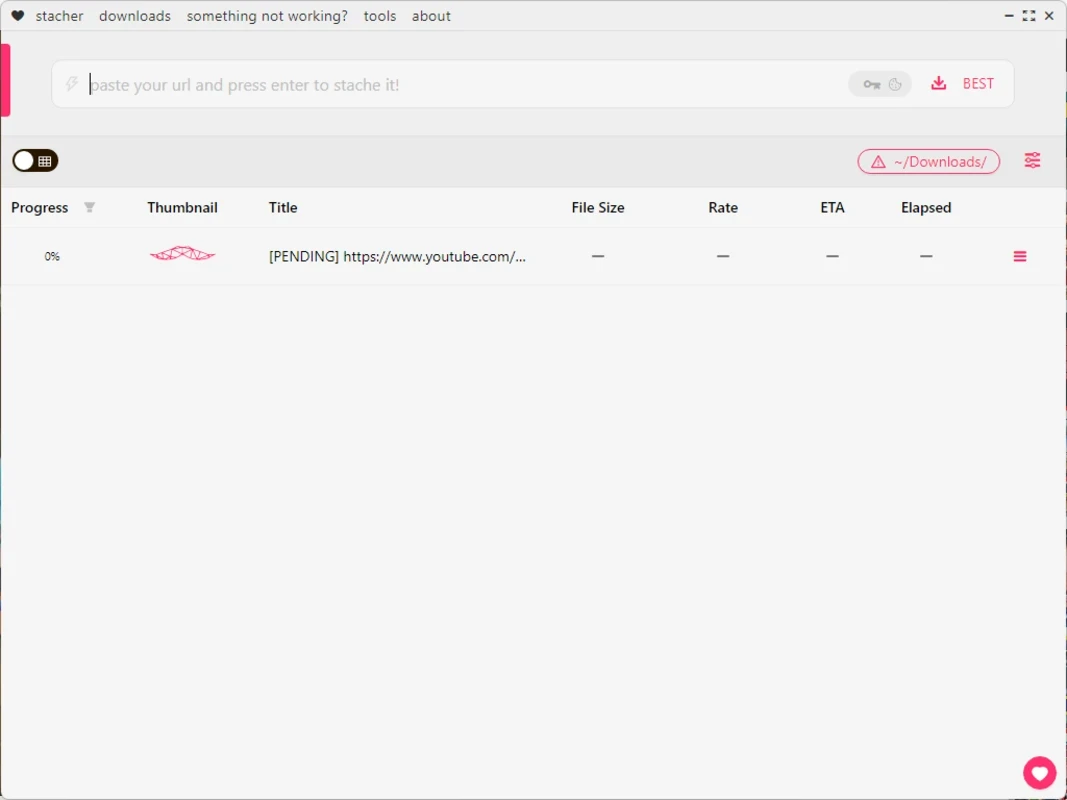
Stacher 7.1.11 is a free Windows app that gives the command-line tool yt-dlp a friendly graphical interface. You paste a link, choose options with clicks instead of typed commands, and Stacher handles the download of video or audio. You can download Stacher for Windows from stacher.io.
yt-dlp is a powerful open-source downloader that supports a very large number of video sites, but it lives in the terminal: every option is a flag you have to remember. Stacher wraps that engine in a window with a search and link field, a download queue and settings pages. That makes the capabilities of yt-dlp, such as choosing exact formats, extracting audio, downloading subtitles or whole playlists, accessible to people who do not want to learn command-line syntax. Because websites change often, the engine behind it needs frequent updates, and Stacher can keep yt-dlp current so downloads keep working. For users who already know yt-dlp, Stacher is a convenient way to manage many downloads and presets. For beginners, it is a gentle introduction to what yt-dlp can do. Changes to the app are published in the Stacher changelog.
The installer is about 178.14 MB according to catalogue data.
Most failures come from a site change that the engine does not handle yet. Update the engine from within Stacher and try again. Private, age-restricted or region-locked videos may need you to be signed in or may not be downloadable at all. If only one format fails, choose a different quality or container in the options.
Downloading is not automatically allowed just because a tool makes it easy. Many platforms forbid downloads in their terms, and copyrighted material needs the rights holder's permission. Use Stacher for your own content, videos under free licences, or material you are allowed to save, and do not redistribute downloads you have no rights to.
| Item | Details |
|---|---|
| Version | 7.1.11 |
| Developer | Stacher |
| Platform | Windows |
| Licence | free |
yt-dlp itself is in our listings for command-line users. 4K Video Downloader Plus, ClipGrab and JDownloader are other graphical downloaders.
SHAREit is a free Windows app from the SHAREit Team for moving photos, videos and documents between a PC and a phone. The current version is 5.1.0.7.

Zapya for Windows is a free file transfer app from DewMobile for moving files between a PC and phones over a local wireless connection.

Easy Connection to Screen is Samsung's Windows app for showing a PC's screen on a compatible Samsung TV over a wireless connection.

Internet Download Manager (IDM) is a shareware download manager for Windows from Tonec that accelerates, resumes and schedules downloads.

uTorrent (μTorrent) is a small BitTorrent client for Windows from Rainberry (BitTorrent Inc) for downloading and sharing files over torrents.

AnyDesk is a remote desktop application for connecting to and controlling another computer over the internet, from a small Windows program.

ShareMe is Xiaomi's free app for sending files between devices without a cable; on Windows the Android app runs only inside an emulator.

Xender is a free file sharing app from the Xender File Sharing Team for sending files between phones and computers over a local connection.